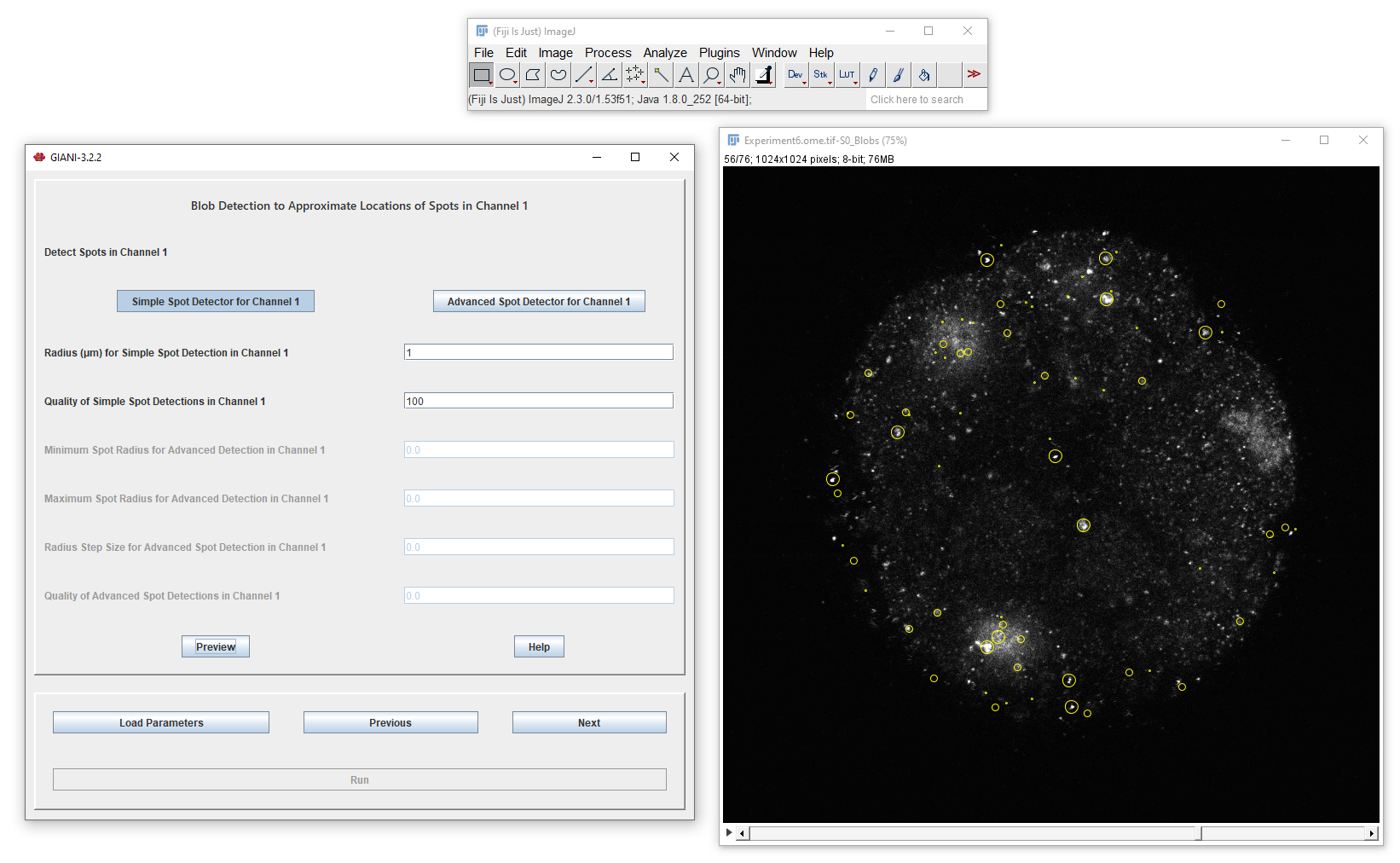
Localising Spots
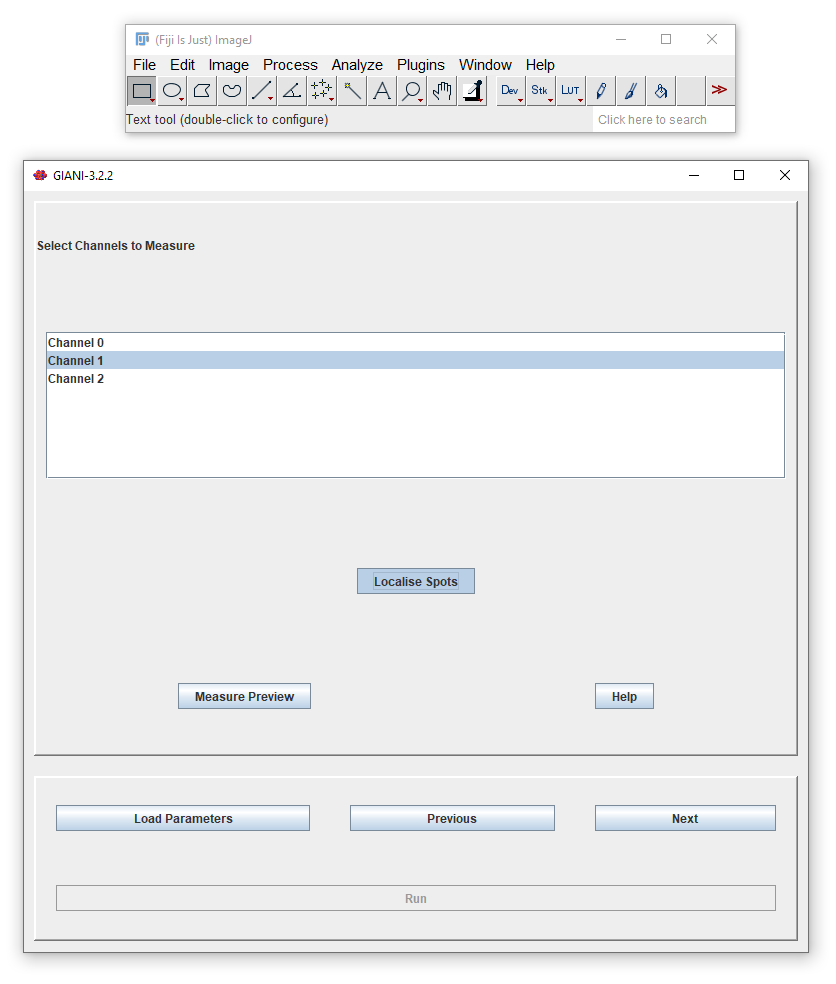
If you selected Localise Spots when specifying channels to measure, after clicking Next, you will be presented with options dictating how those spots should be detected:
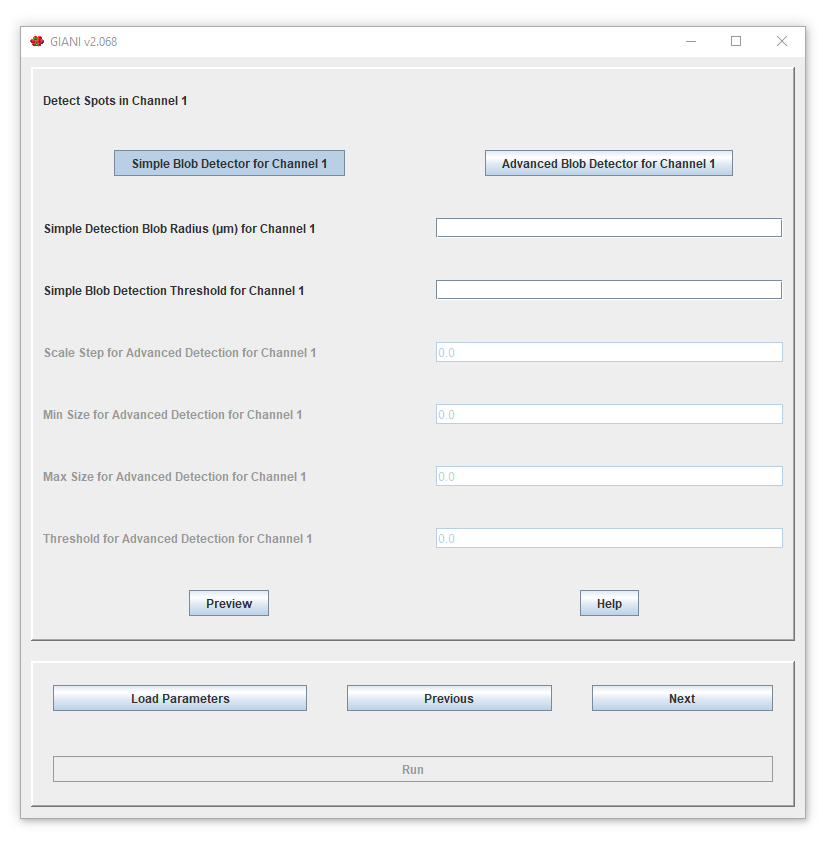
It is possible to specify different options for each channel - you will be presented with a different parameter panel for each of the channels that you selected when specifying channels to measure. The functionality is exactly the same as that previously described for estimating the centres of nuclei.
Clicking Preview will show you what spots have been detected in the current channel.