Specifying Channels to Measure
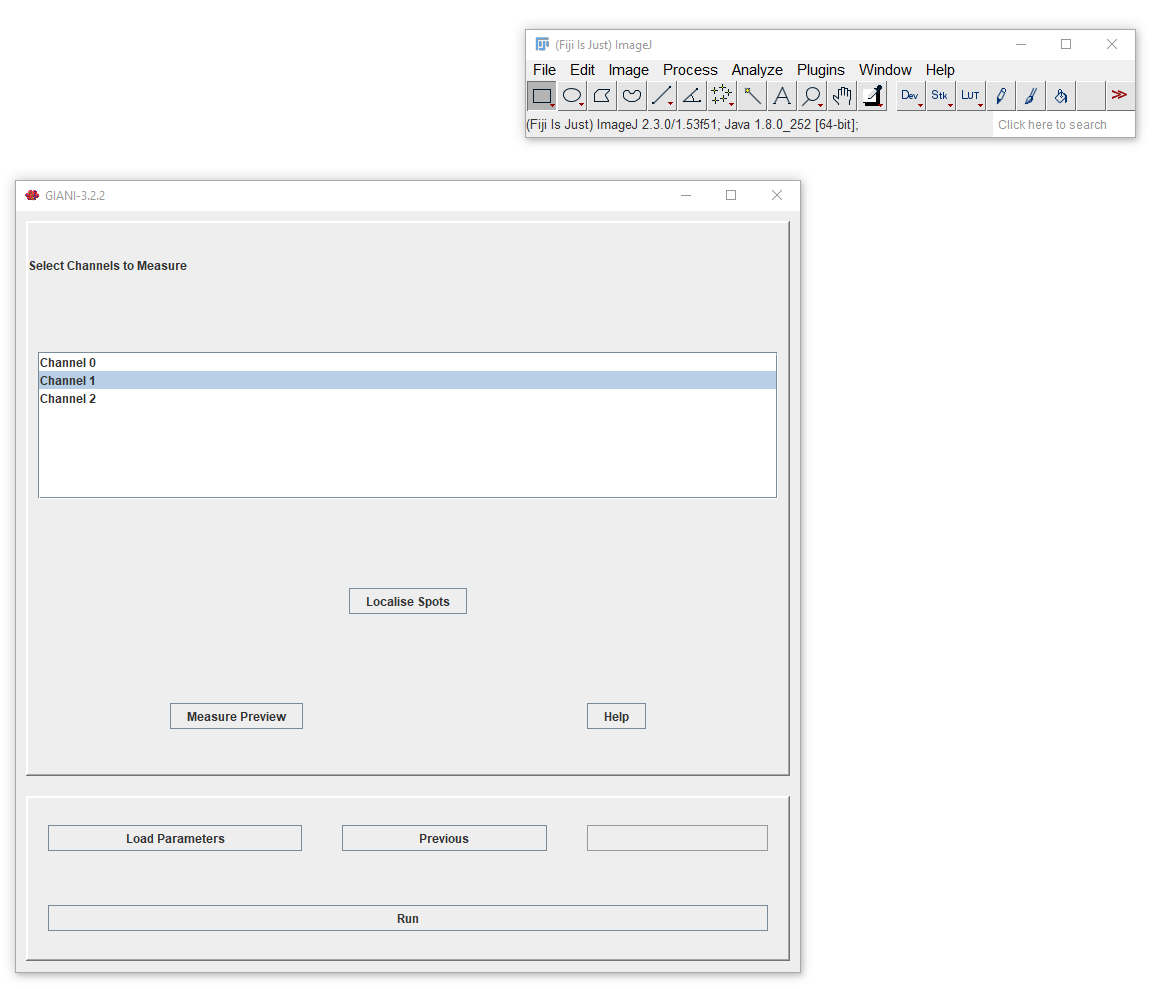
This panel allows you to preview measurements based on the segmentation of nuclei and cells you have just performed. For each channel you select here, GIANI will make various intensity measurements within the nucleus, cytoplasm and entire body of each segmented cell:
Mean pixel intensity
Standard deviation of pixel intensities
Minimum pixel value
Maximum pixel value
Integrated density
A number of shape descriptors, describing the morphology of the cells and their nuclei, will also be output:
Volume
Surface area
Clicking Preview will display a results table containing all of the above measurements for each region of each cell in each of the channels selected.
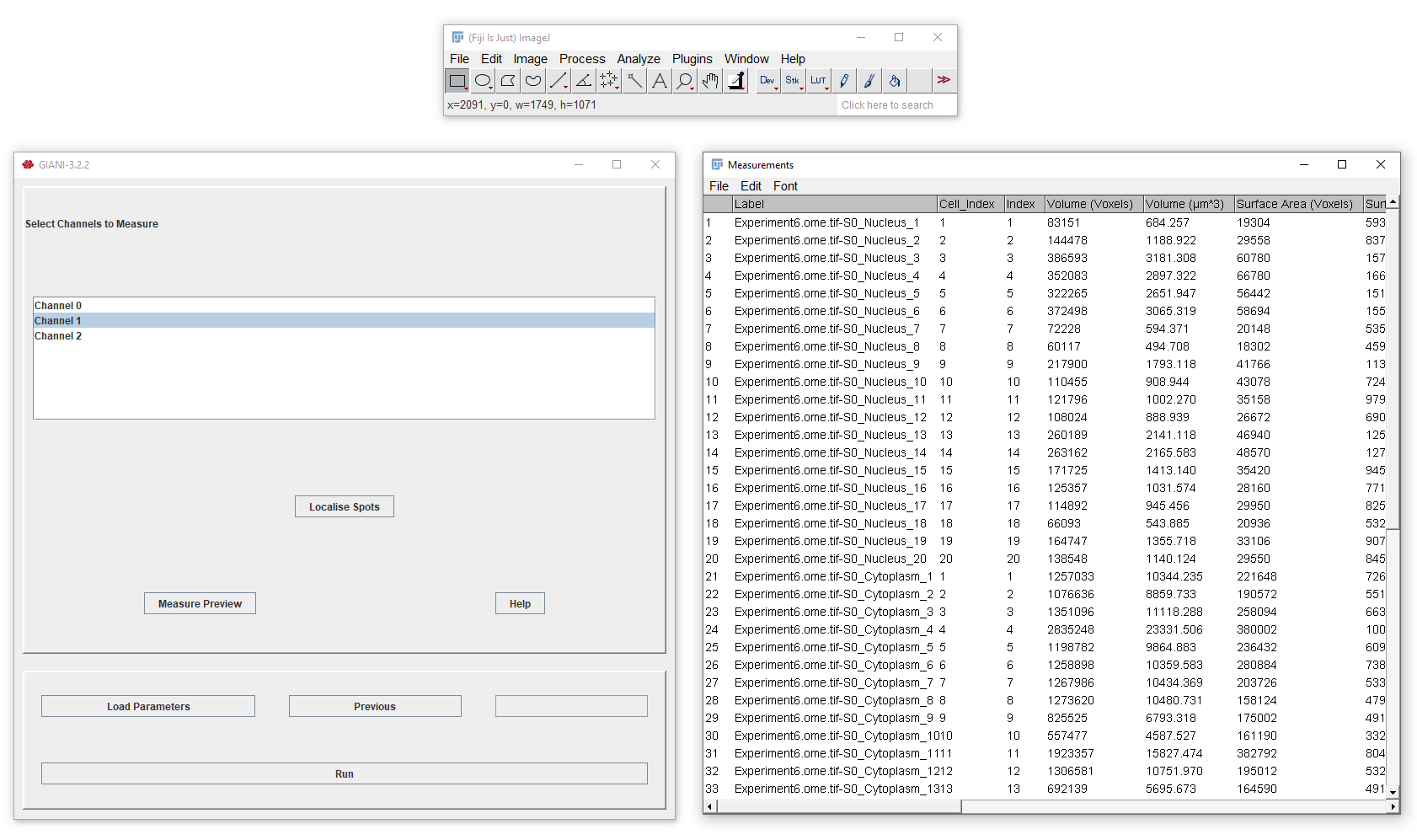
At this point, you have specified enough parameters to run a complete analysis on all images in your input directory. Alternatively, clicking Localise Spots makes available additional options to localise spots.