Selecting Input Files
When you run GIANI, the first thing you’re presented with is a dialog requesting the location of the input directory:
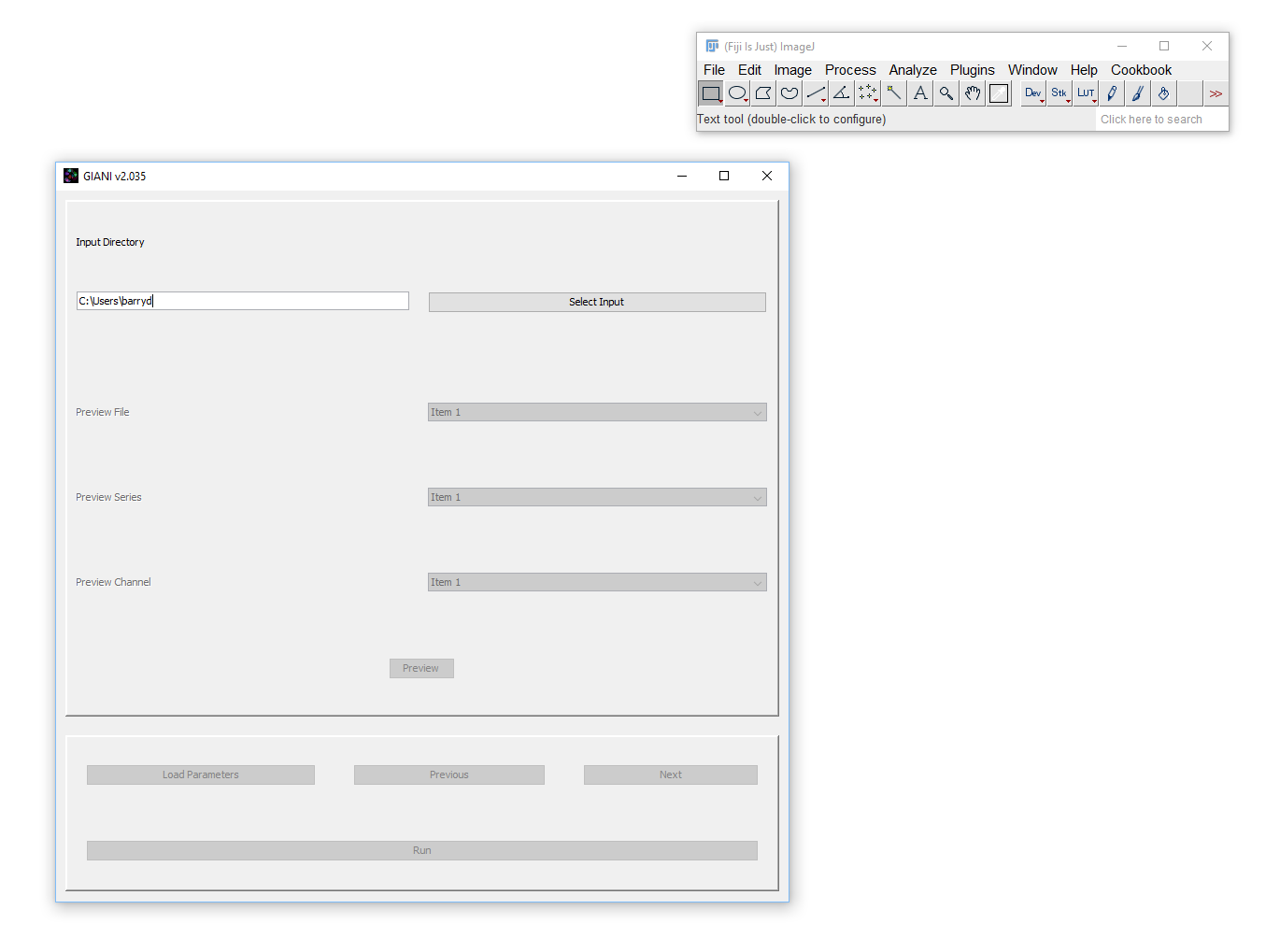
GIANI Select Input Directory
Clicking on Select Input will bring up a standard file selection dialog - use this to specify the location of the images you wish to analyse.
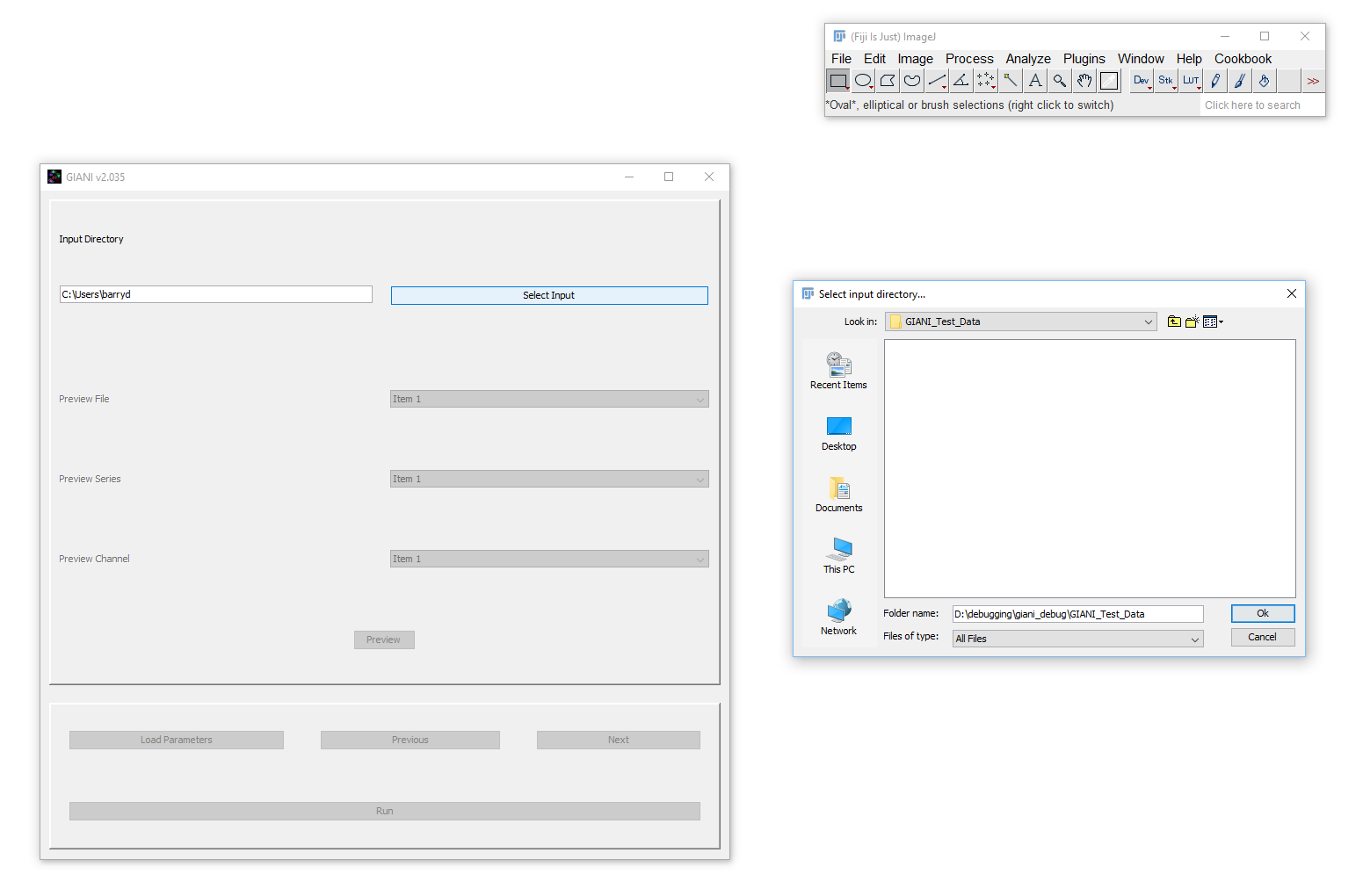
GIANI Select Input Dialog
If the text denoting your input directory is highlighted in red, this indicates that an invalid input directory has been specified.