Selecting a Preview Data Set
If a valid directory is specified, the Preview File drop-down menu will become active:
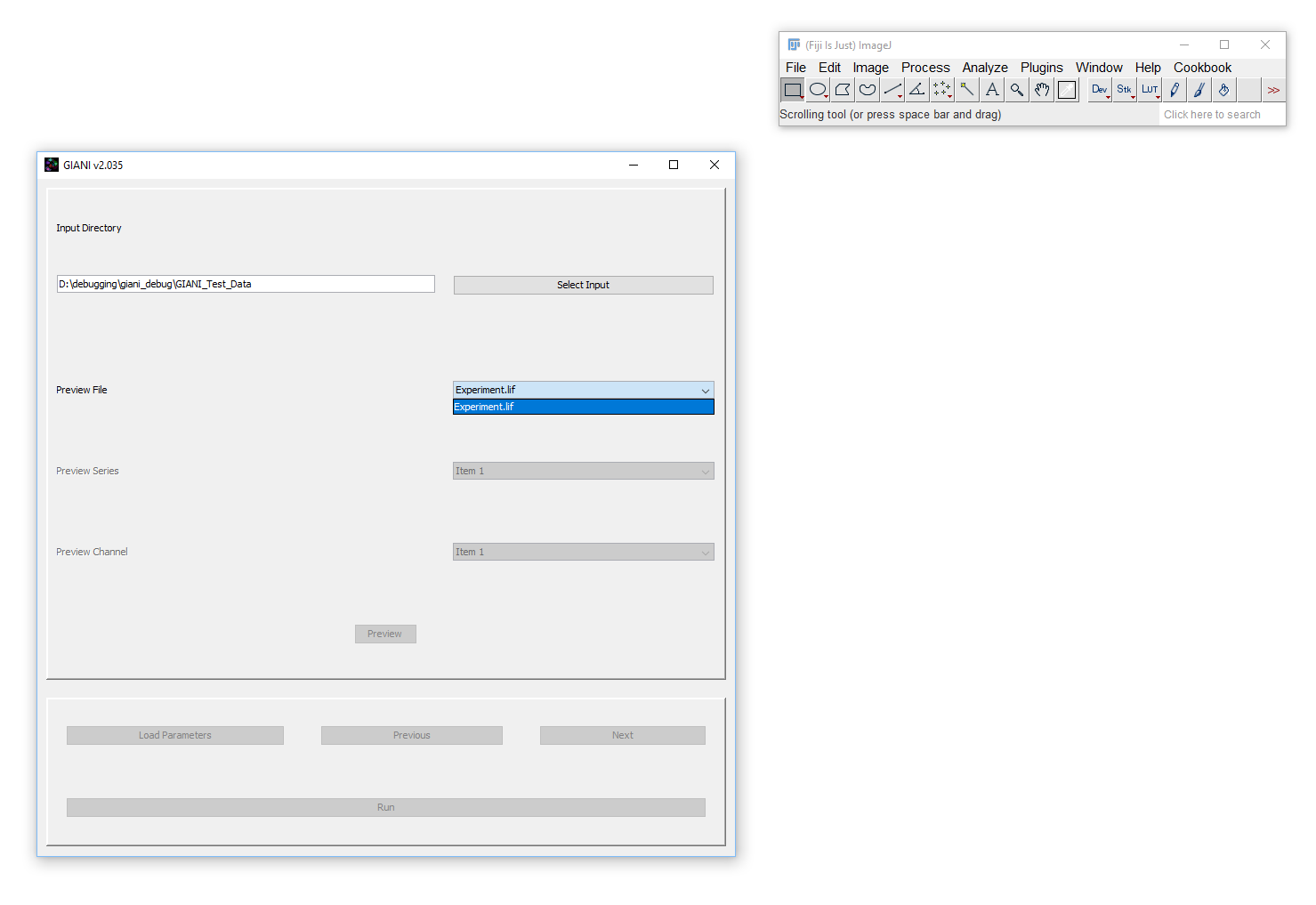
The file selected here will be used to preview the results of analysis parameters specified in subsequent steps. Selecting a file from this drop-down will cause it to be initialised. This means that, in the background, Bio-Formats is reading the file’s metadata - this can take some time for larger datasets, so be patient!
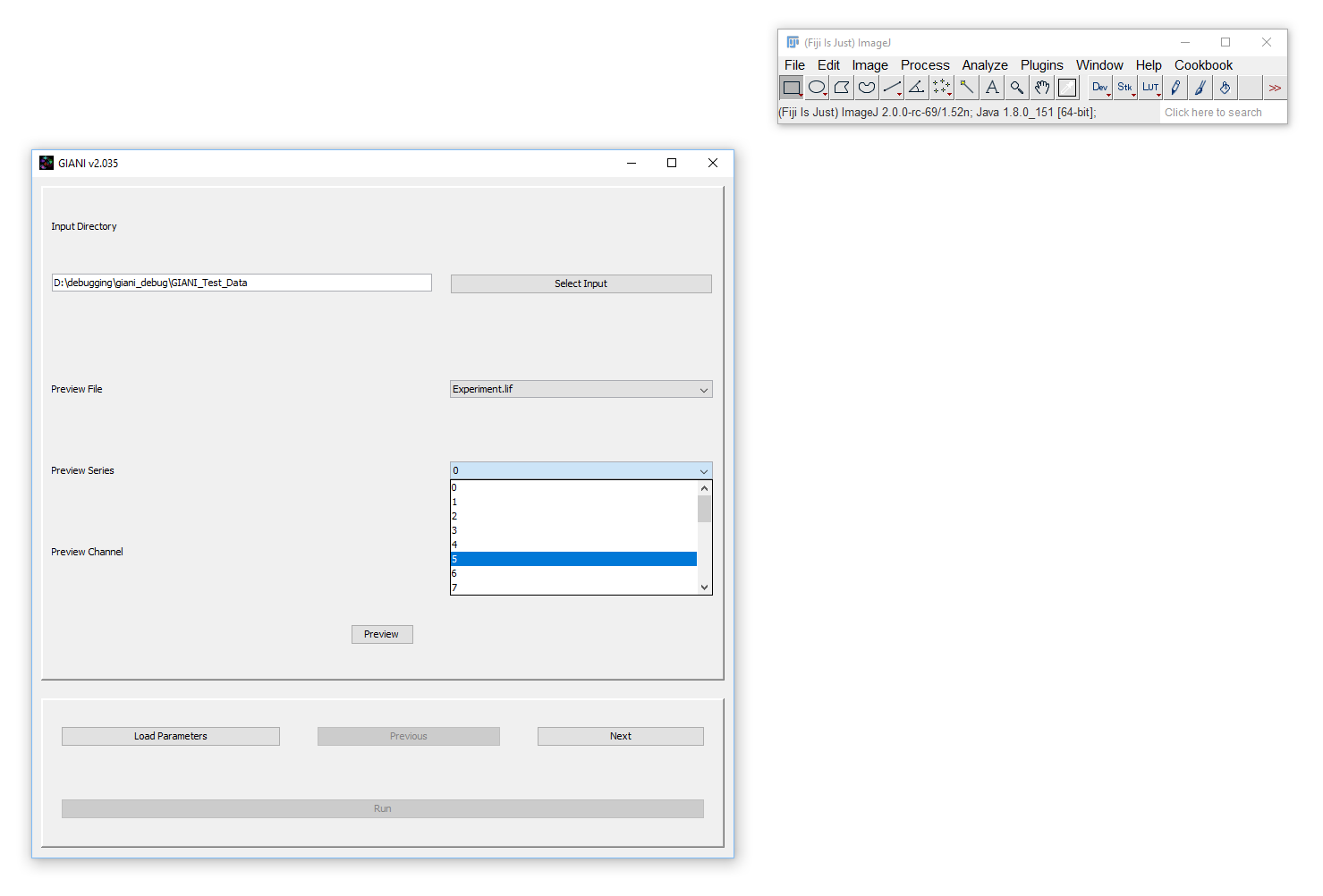
Once initialised, you should see the Preview Series and Preview Channel drop-downs become active. If the selected Preview File only contains a single dataset, then the only available series will be ‘0’. However, it is not uncommon for microscopy image files to contain multiple data sets, or “series”. If the specified file contains multiple series, you can specify which you want to use as the preview series here:
If you wish, you can at this point preview specific channels within the selected dataset:
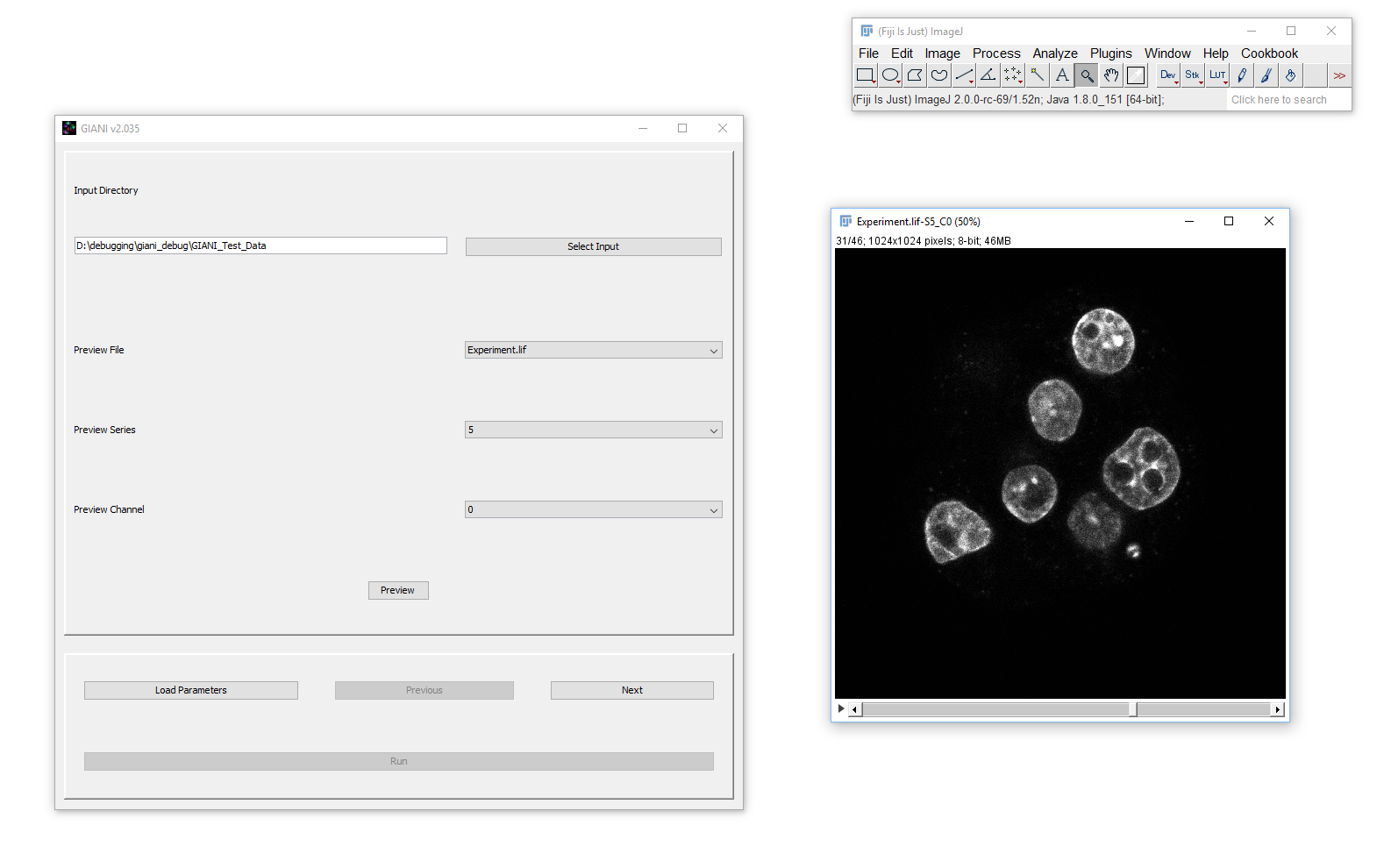
When you are happy with the preview data set you have selected, you can click next to proceed with the specification of analysis parameters.